

Ayushman Card e-KYC: Millions of families across India depend on the Ayushman Bharat–Pradhan Mantri Jan Arogya Yojana (PM-JAY) for life-saving medical treatment. Under this flagship health scheme, eligible households can receive cashless treatment worth up to Rs 5 lakh per year at empanelled government and private hospitals.
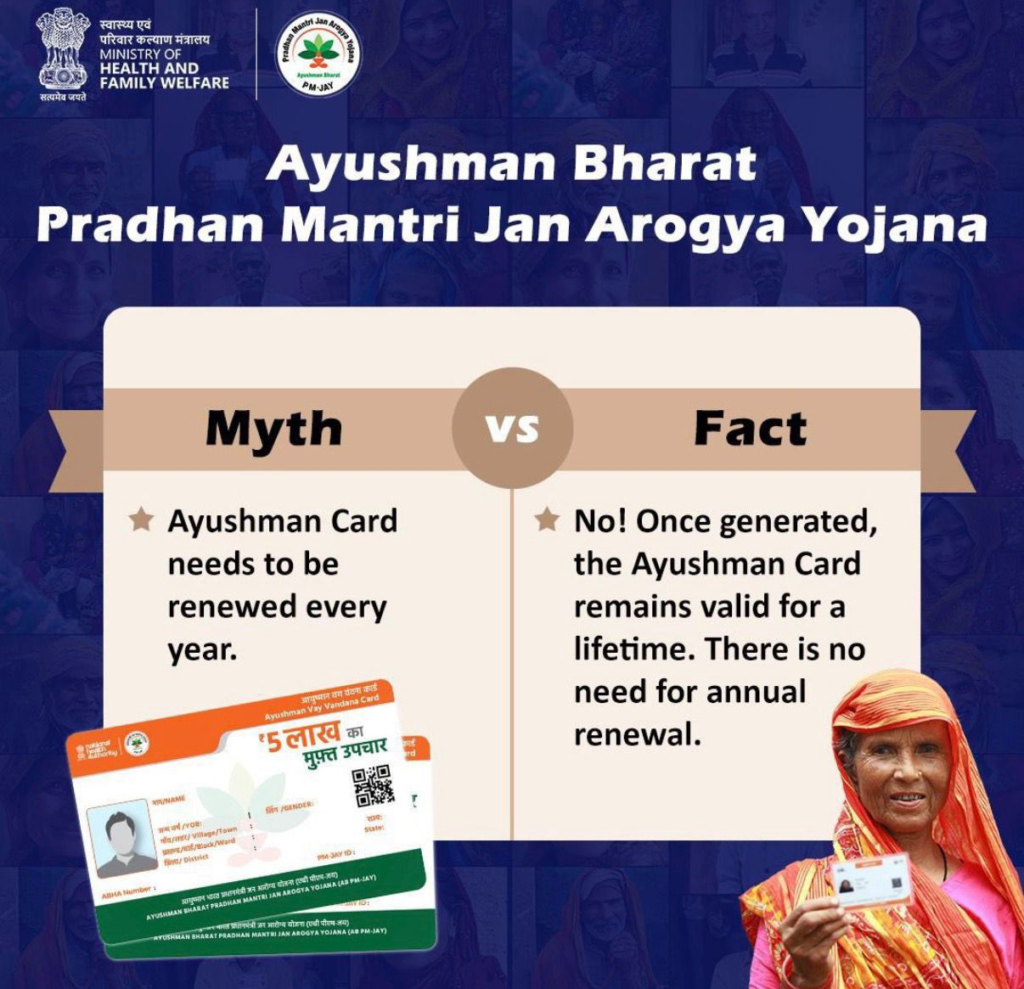
However, a fresh government push has made one thing clear — completing e-KYC is now essential if you want to continue enjoying these benefits. Beneficiaries who fail to update their details may face treatment denial or even removal from the scheme.
This move is aimed at strengthening transparency, preventing misuse, and ensuring that only genuine and eligible families receive healthcare support.
What Is Ayushman Card e-KYC?
e-KYC, or electronic Know Your Customer, is a digital identity verification process. For Ayushman Card holders, it confirms that their Aadhaar-linked details are accurate and up to date.
Through this verification, the government matches personal data with UIDAI records to stop duplicate or fake registrations. In simple terms, e-KYC keeps your Ayushman Card valid and active.
Why Completing e-KYC Is Important
If e-KYC is not completed on time, beneficiaries may face serious issues, including:
- Hospitals refusing cashless treatment
- Temporary suspension of Ayushman Card
- Permanent removal from the beneficiary database
- Delay or denial of medical claims
For families that rely on PM-JAY for expensive surgeries and hospital care, missing this step could lead to unexpected medical expenses.
How to Complete Ayushman Card e-KYC Online
The government has made the process easy and mobile-friendly. You can complete e-KYC from home using the official Ayushman or ABHA mobile application.
Step 1: Download the Official App
Search for “Ayushman Bharat Digital Mission”, “ABHA”, or “Ayushman App” on the Google Play Store and install it on your smartphone.
Step 2: Log In
Open the app and select your preferred language.
Log in using your registered mobile number and enter the OTP sent to your phone.
Step 3: Start the e-KYC Process
On the home screen, tap on “Ayushman Card” or “Generate Ayushman Card.”
Then select “Complete e-KYC.”
Step 4: Choose Aadhaar Verification
Select Aadhaar e-KYC via OTP and enter your Aadhaar number.
An OTP will be sent to the mobile number linked with your Aadhaar.
Step 5: Enter OTP
Enter the OTP carefully to verify your identity.
Once verified, your e-KYC will be completed.
Step 6: Download Your Ayushman Card
After successful verification, tap on “Generate Ayushman Card” and download your digital card in PDF format.
You can save it on your phone or print it for hospital use.
Who Needs to Complete e-KYC?
Anyone who is already registered under PM-JAY or plans to use Ayushman benefits must complete e-KYC. This includes families listed under the Socio-Economic Caste Census (SECC) or other eligible government databases.
Even if you already have a physical Ayushman Card, updating e-KYC is still required to keep your coverage active.
What Happens After e-KYC?
Once e-KYC is done, your Ayushman Card remains valid and linked with your Aadhaar. You can continue to access cashless hospital treatment up to Rs 5 lakh per year at any empanelled hospital across India.